
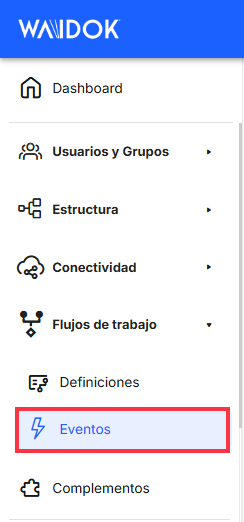
Menu. Workflows. Events.
 WORKFLOWS. EVENTS
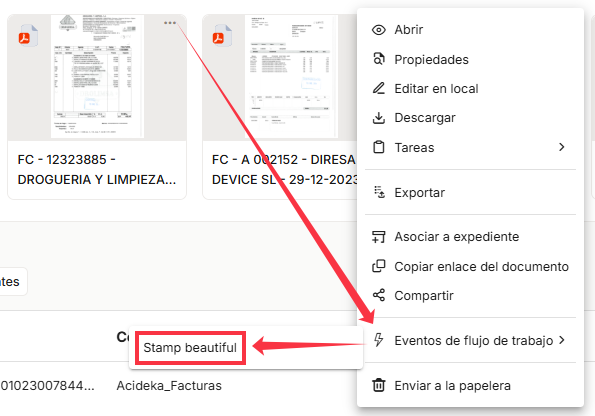
From this section of the menu, users can view a table listingall the events defined as workflows thathave been generated. The user will be able to define events ( previously configured in the workflows) thatcan be executed on any document from its context menu. A document management system event or document workflow event consists of process automation involving the pre-established hierarchy applied to an existing entity (document or file). This will ensure that activities are carried out with the least possible effort on the part of staff, i.e., through software.
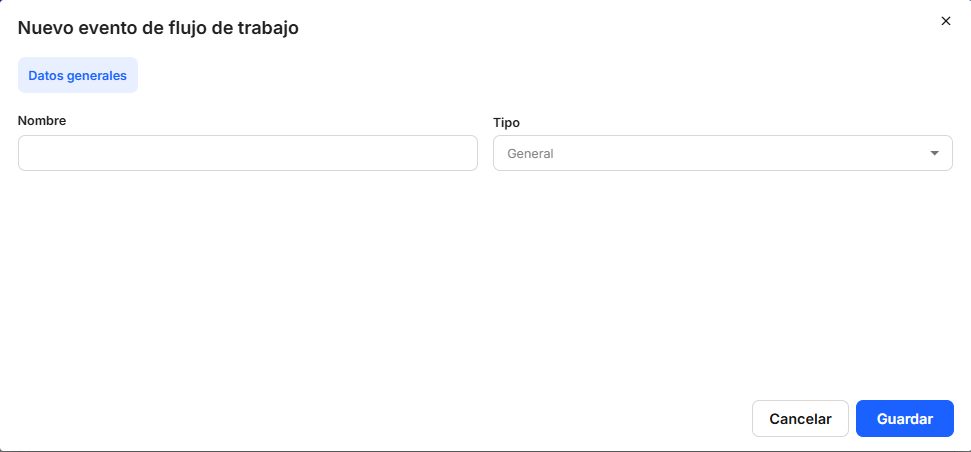
By clicking "Add," the application displays a new window toregister a new event, where you need to establish a Name and a Type of entity that will be affected by the execution of the event ("General," "Document," or "File"). Next, the event can be Save or Cancel.
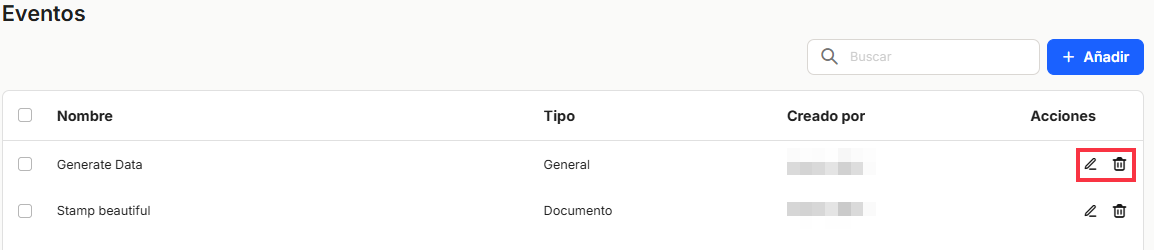
Once we have created or generated the corresponding workflow, we can either Edit the flow by clicking on the pencil icon or Delete the flow by pressing the garbage can
  If you do not need to keep it, launching a popup window to confirm the elimination elimination.

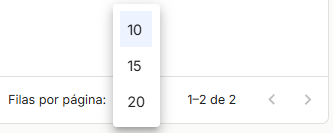
The bottom right of the table shows the total number of workflows obtained as a result, either without applying any type of search or filter or applying one of the possible options. The system displays 10 lines per table and screen by default, allowing 15 lines or 20 lines per table and screen to be displayed. It also allows forward or backward navigation in the lists displayed, depending on the pagination set.
If you have chosen theEdit option, the system will display a main dashboard with grids for event design called "edit workflow event" in the same browser window you are working in. The open window will allow you to modify the same information as the event registration data.
As mentioned above, events are executed directly from a document or file via its context menu. Clicking on the selected event will launch the workflow associated with the event we have created.
As this is a very specific module containing a large amount of information, we will discuss the management of event definitions in workflows in a specific entry within the Workflows chapter.
No comments to display
No comments to display